 PUSH & LIFT
PUSH & LIFT
PUSH & LIFT
Setups
Build, compare and understand your setups without leaving the suite.
MECANIC is Push & Lift's setup workshop. Its engine generates setups from a base we've tested on our test bench: pick the car, the track and the style, say how you like the car and three variants land in your iRacing folder. You can compare up to three setups field by field, see what every click does and read a corner-by-corner report of your lap. The engine calculates the setups, not the AI, and every file carries the Experimental label until we validate it on track.
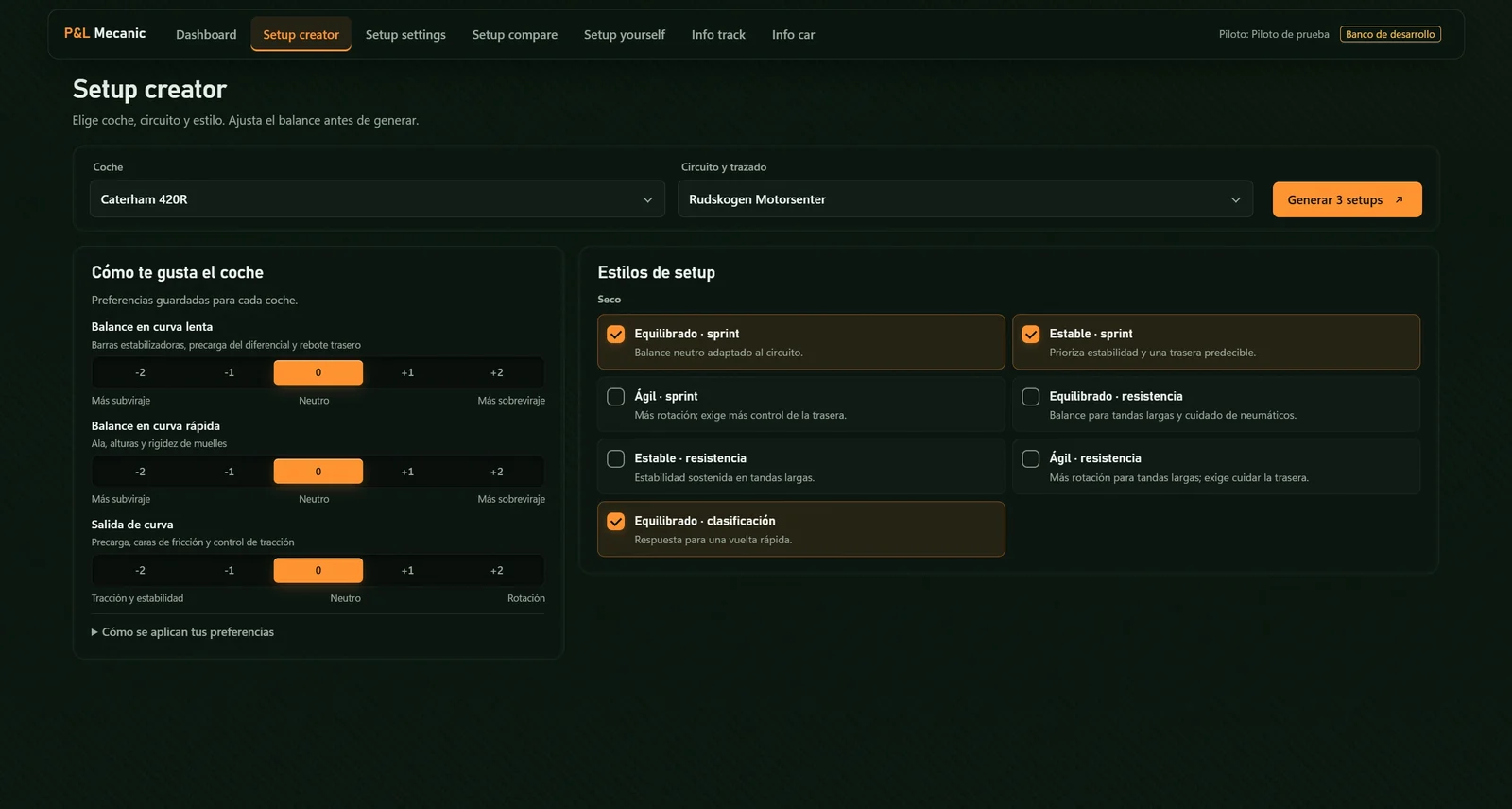
Pick the car, the track and the style (dry or wet, sprint or endurance) and set the balance in slow corners, fast corners and on exit. It generates three setups in your iRacing folder.
Open any .sto and change it click by click, seeing what each setting does, what it compensates and what it depends on. Every change is saved as a new version.
Up to three setups of the same car, A, B and C, field by field: what changes, by how many steps and in which direction.
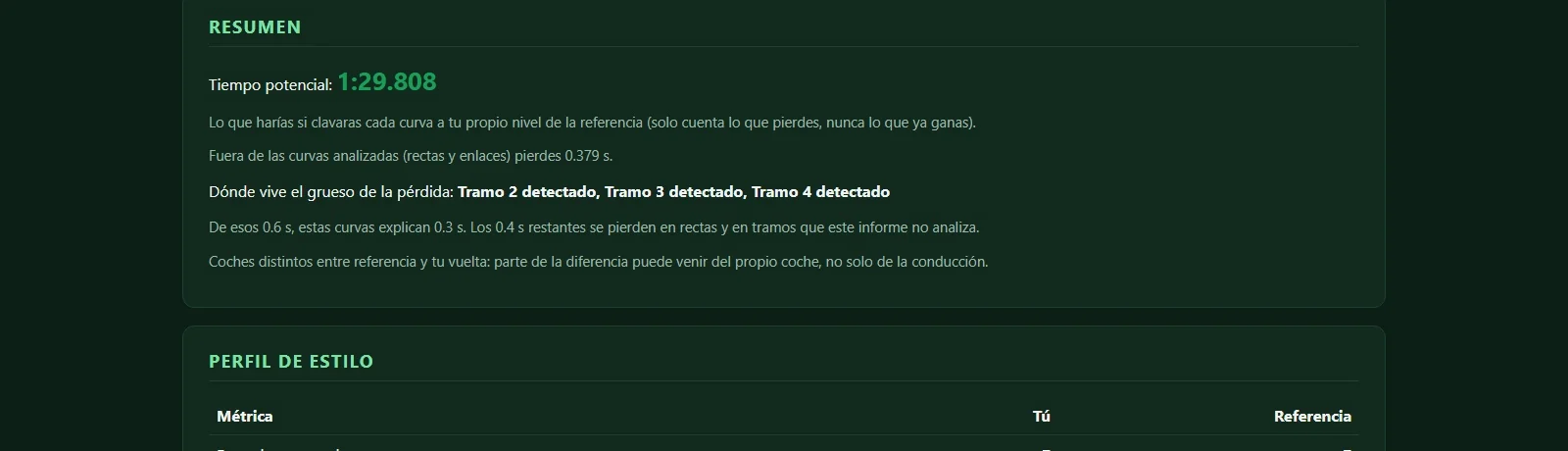
Your lap against the reference, corner by corner and in lap order: where you lose time and what you do differently on the brakes, the wheel and the throttle.
Each car's sheet with its settings explained one by one, and each track's: length, corners, elevation and what it asks of you.
Every file says where it stands. New ones start as Experimental until validated on track; check them in the garage before you drive.
And the style: dry or wet, sprint or endurance.
Say how you like the car and three setups land in your folder.
Put them side by side and go out with the one that suits you.
The corner-by-corner report tells you where the time is.
The team and other drivers answer there. You can also email us at [email protected].
 PLIA
PLIA LIVERY STUDIO
 GARAJE
 DIRECTOR