PUSH & LIFT

A suite with 5 desktop apps, 5 DDUs, 5 BLACK BOX panels, 6 overlays and hundreds of tools.

To enjoy sim racing in iRacing and Le Mans Ultimate, with no subscription. It brings together AI, reference-lap CSVs and the sim's telemetry.

The five desktop apps

Full applications, each in its own tab inside the suite.

PLIA

PLIA

Artificial intelligence

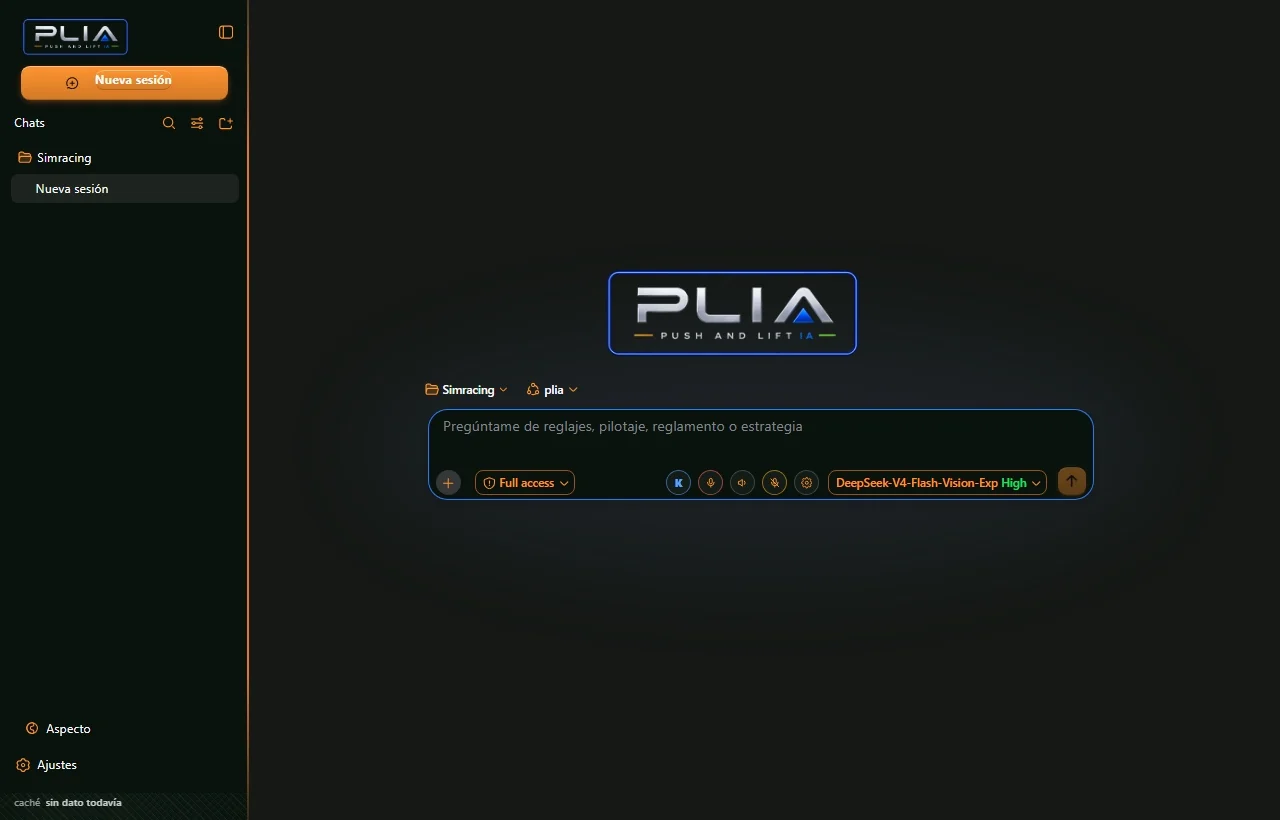
An AI that knows sim racing and works alongside you.

  • It knows sim racing: tracks, cars, circuits and setups, built on knowledge we researched and prepared ourselves.
  • Your manuals, at hand: give it access to your racing documents in a couple of clicks and it answers from them.
  • On your desktop too: it helps with everyday tasks like any coding app and connects to the apps' CLIs and SDKs.

Doesn't: It doesn't drive or change your setup on its own: it suggests and you decide.

See PLIA
LIVERY STUDIO

LIVERY STUDIO

Liveries

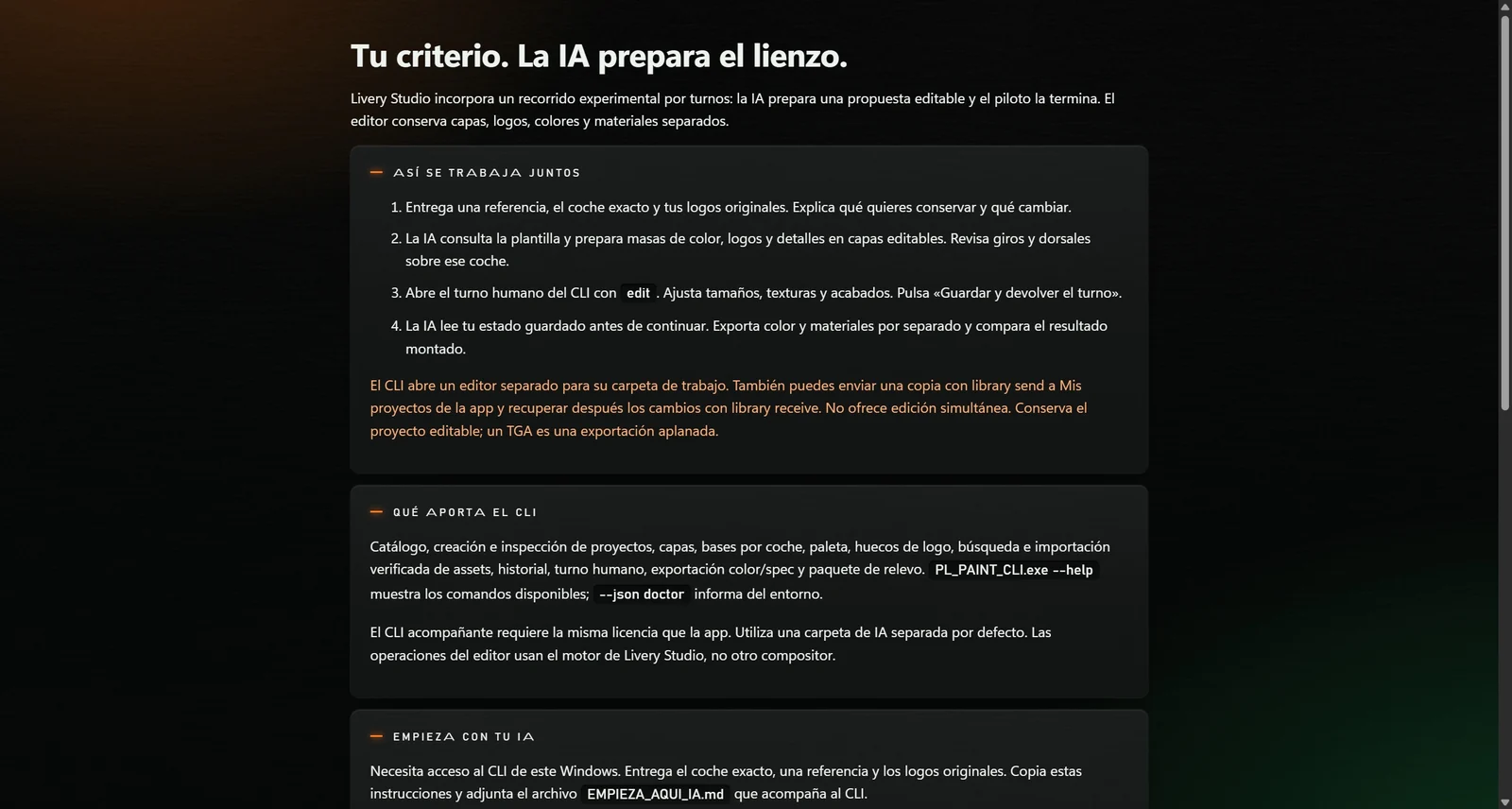
The world's first app where the driver and the AI paint together.

  • A powerful engine, a simple interface: a serious design editor underneath, easy to use on top.
  • PLIA paints with you: we taught it to paint every car. It prepares the skin in layers and you have the final say.
  • Connected to the app: one button and you see it in iRacing, without leaving the session.

Doesn't: It's for iRacing: Le Mans Ultimate isn't supported.

See LIVERY STUDIO
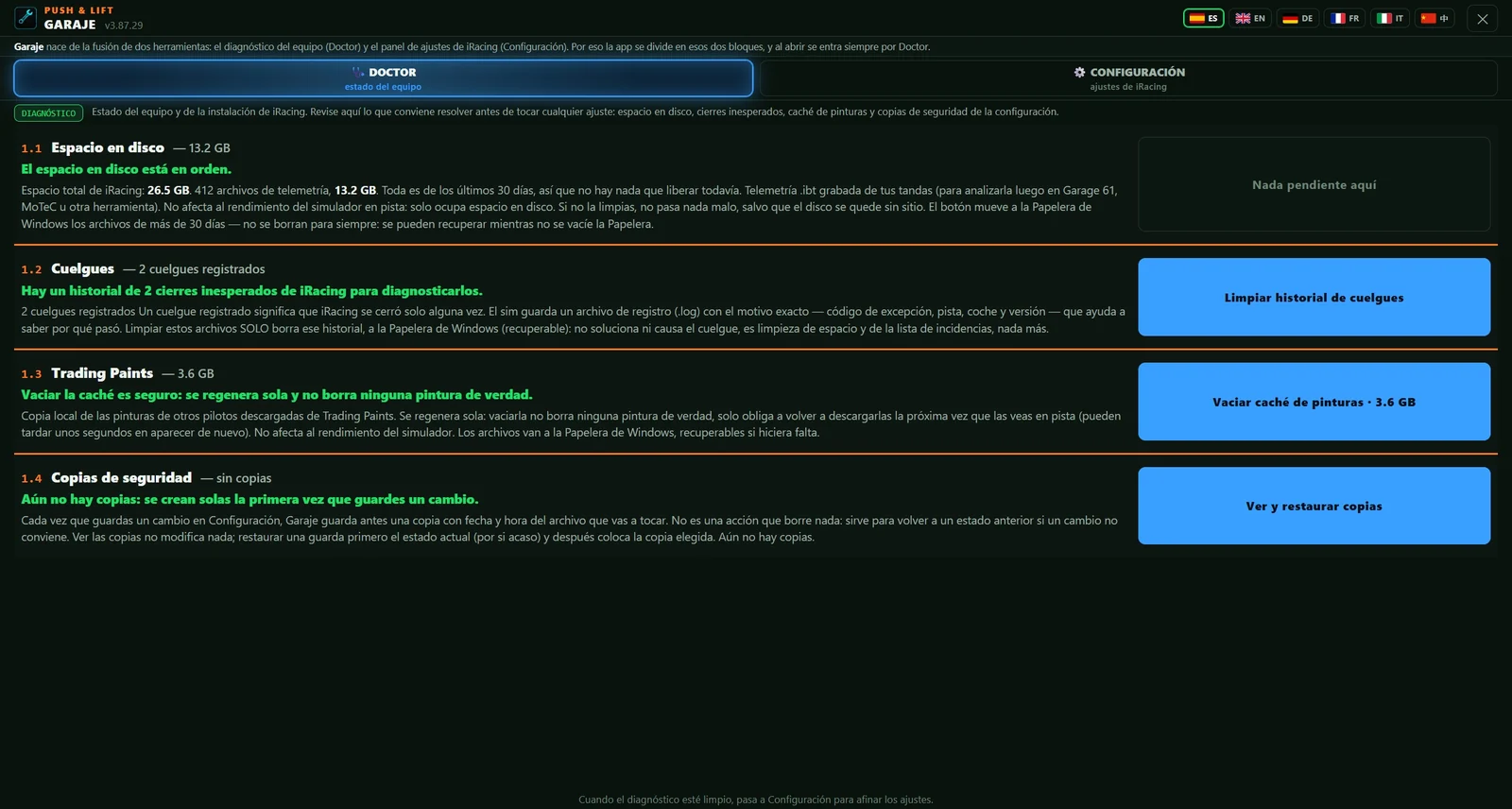
GARAJE

GARAJE

Sim settings

iRacing's settings, explained for you and for your AI.

  • 216 settings in 9 modules, explained in plain words for you and for the AI.
  • Collaborative: tell the AI what's wrong, it finds the problem and helps you fix it.
  • DOCTOR inside: PC maintenance, crashes and file clean-up.

Doesn't: It's for iRacing: Le Mans Ultimate isn't supported.

See GARAJE
DIRECTOR

DIRECTOR

Broadcast

It cuts to the action on its own and tells you why it picked every shot.

  • Automatic directing: it cuts to the action in order of importance and shows you the reason for every cut.
  • Drivers on air: they join with a room code and share camera and mic from their own Push & Lift.
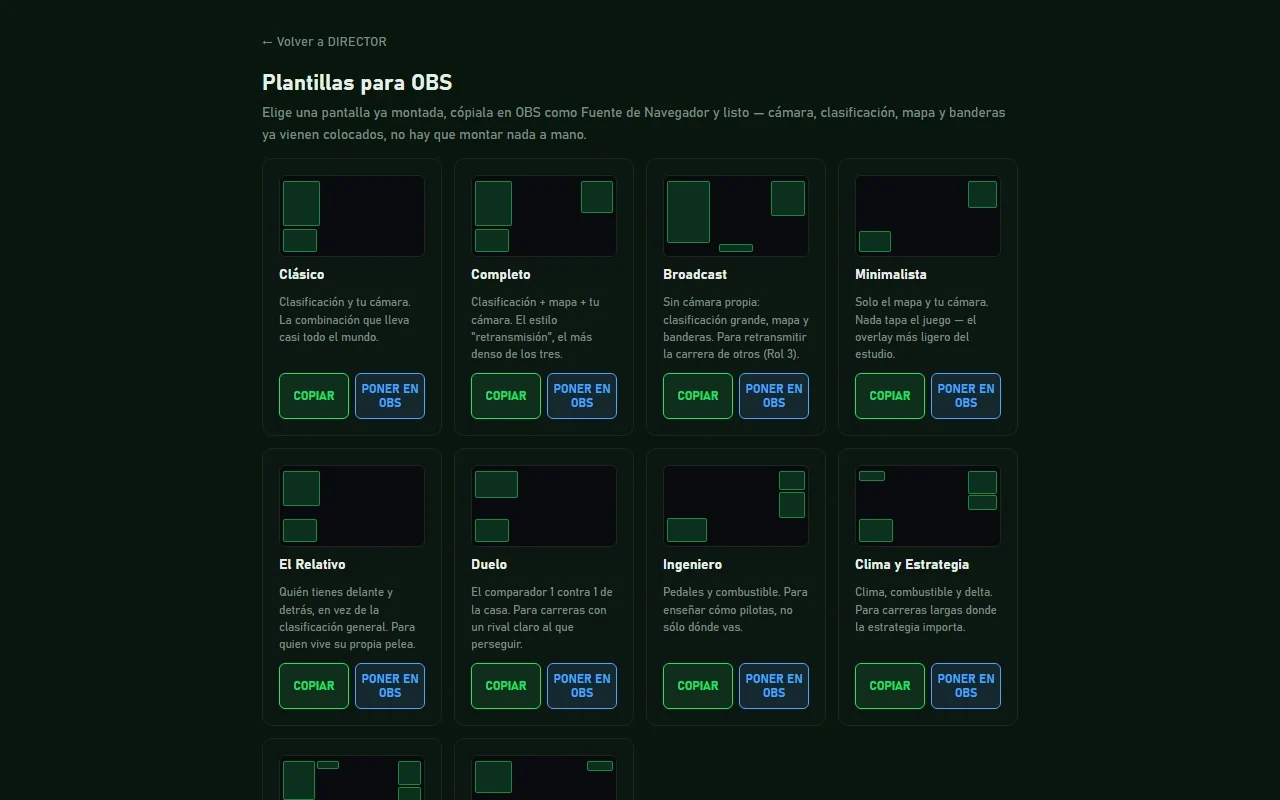
  • Ready for OBS: ten ready-made layouts and a button that puts them in your scene.

Doesn't: It doesn't stream by itself: the stream goes out through OBS.

See DIRECTOR
MECANIC

MECANIC

Setups

Build, compare and understand your setups without leaving the suite.

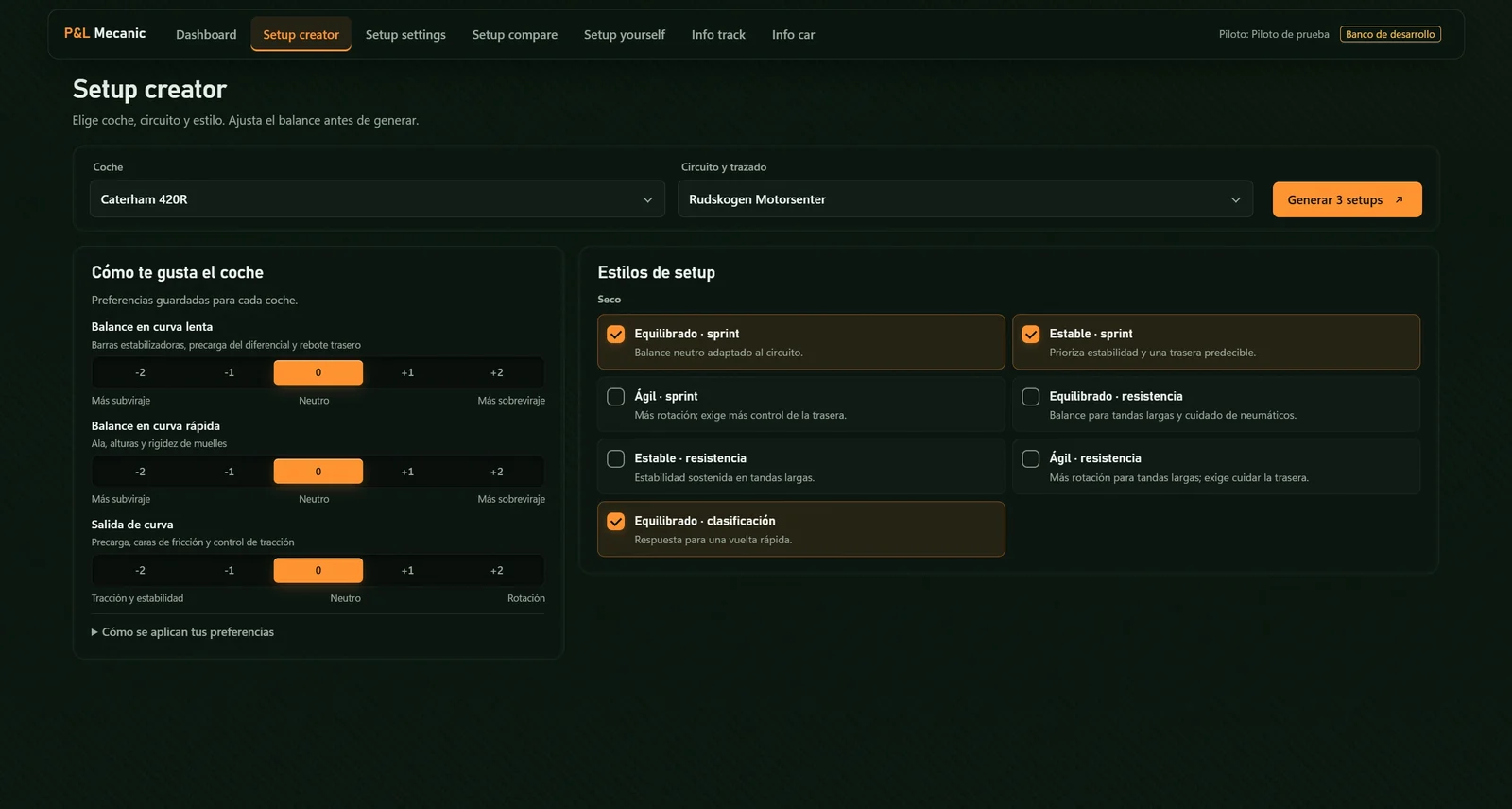
  • Setup creator: car, track, style and your balance preferences; it generates three variants.
  • Setup compare: A, B and C side by side, with what changes, by how many clicks and in which direction.
  • Setup yourself: a corner-by-corner report of your lap against the one you choose.

Doesn't: It doesn't change anything on track or during the session: it creates files and you choose which one to load.

See MECANIC

DDU

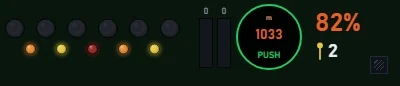
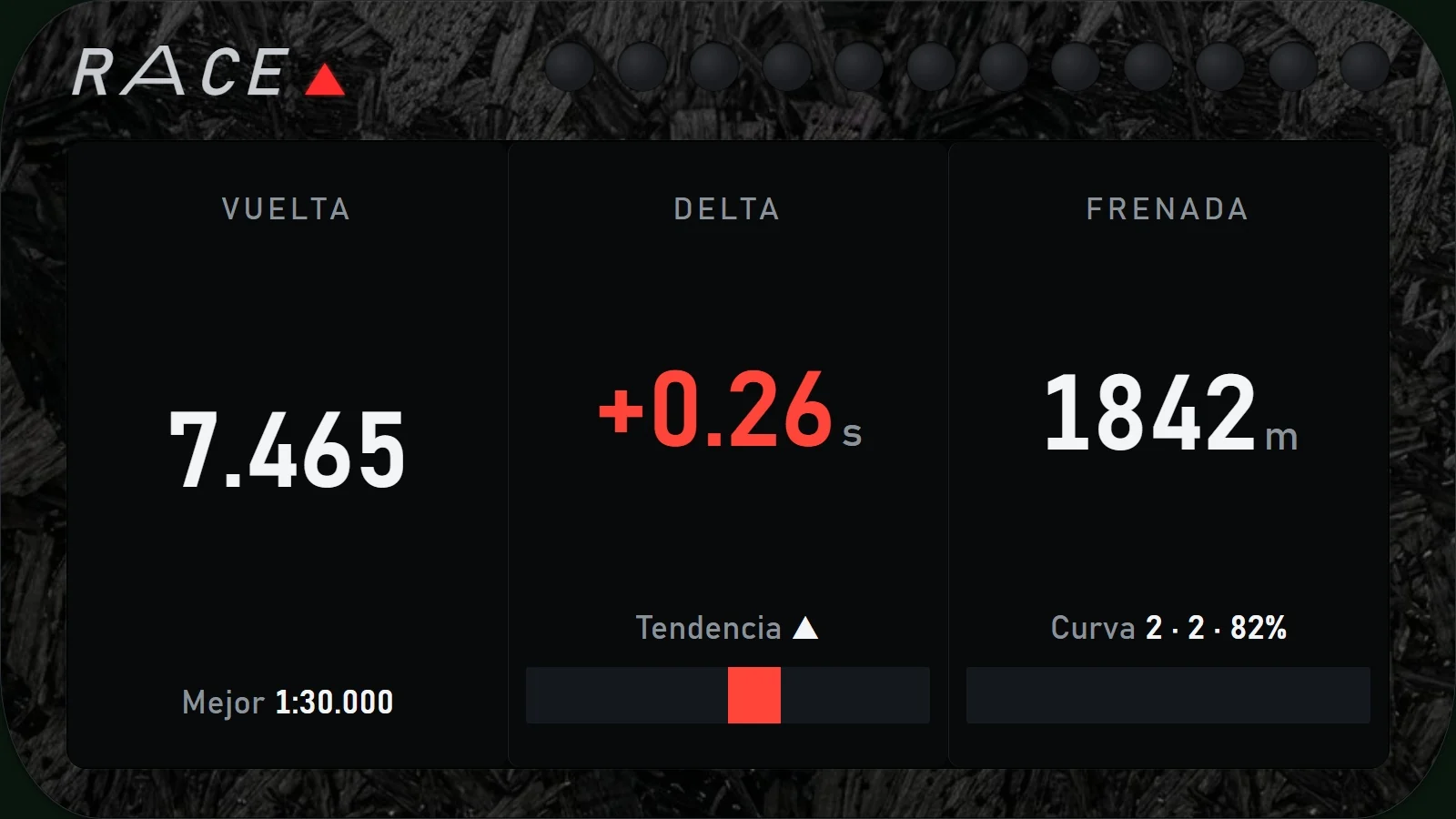
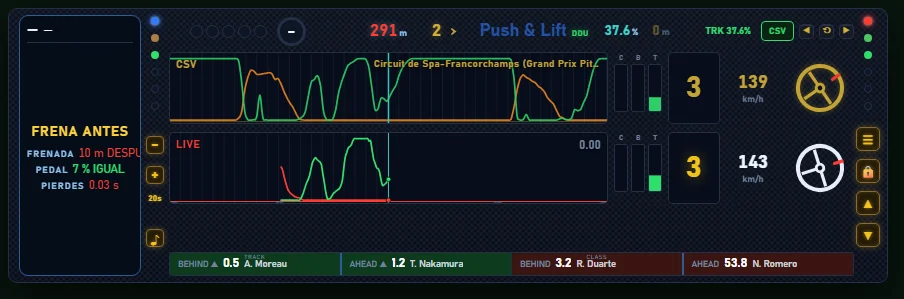
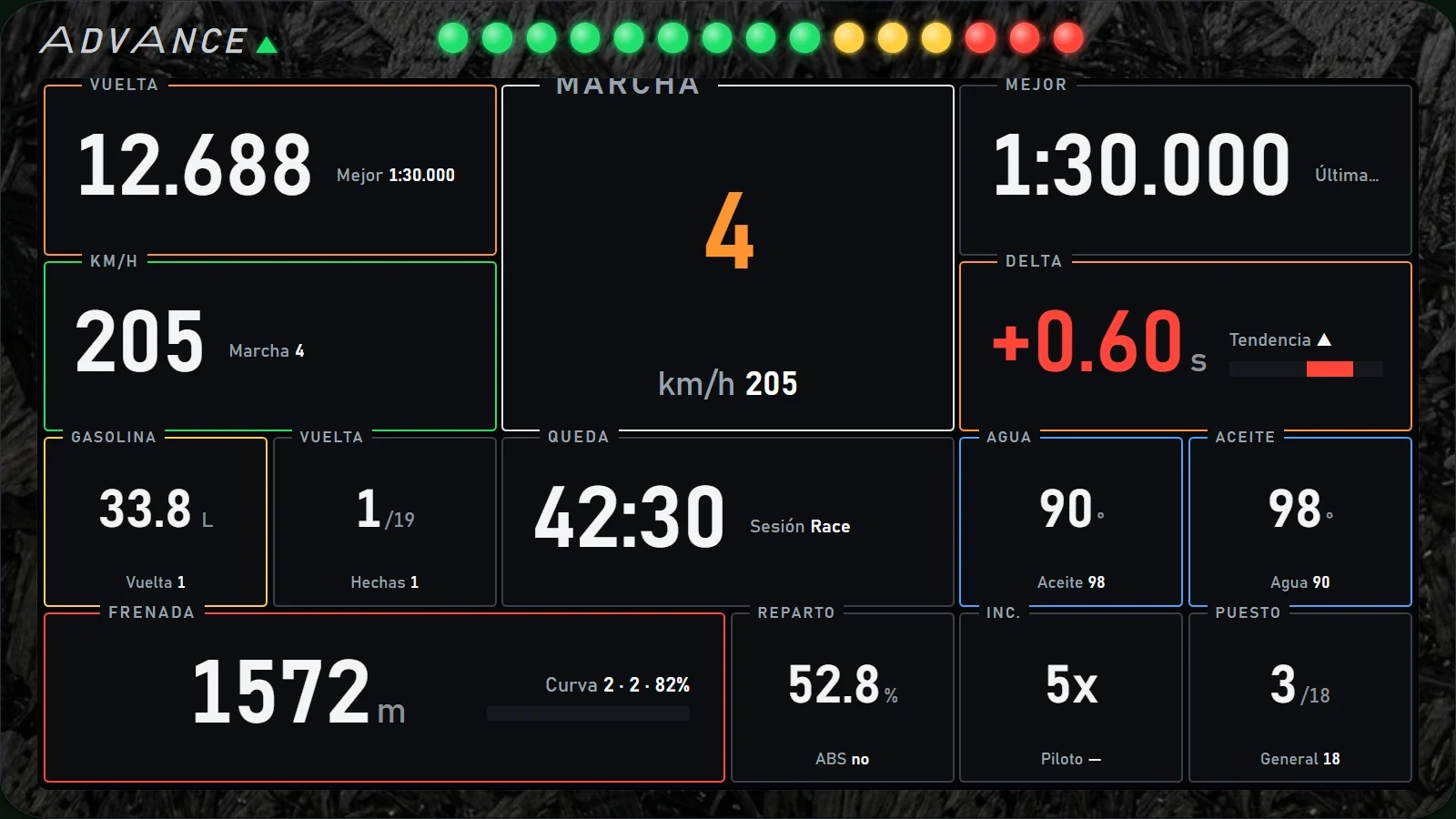
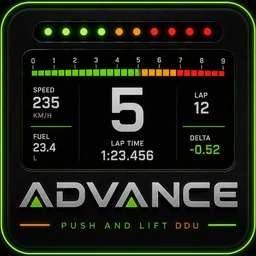
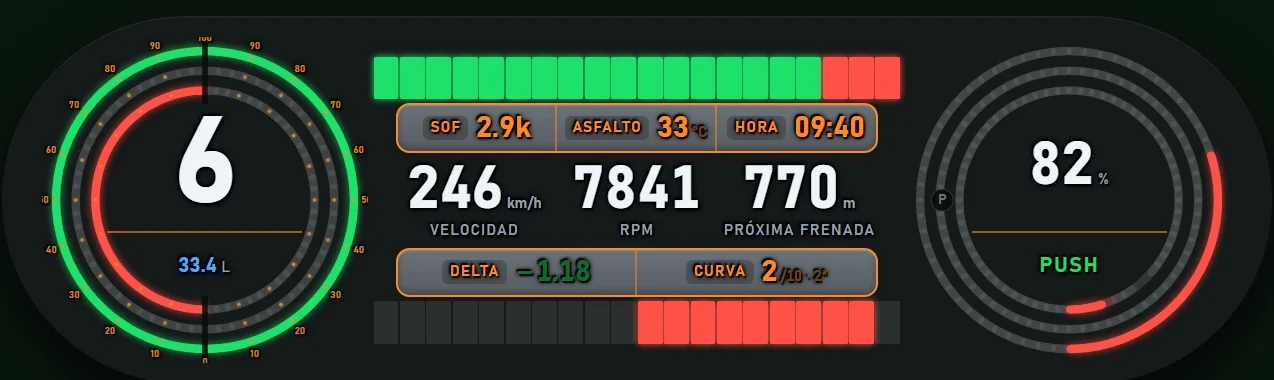
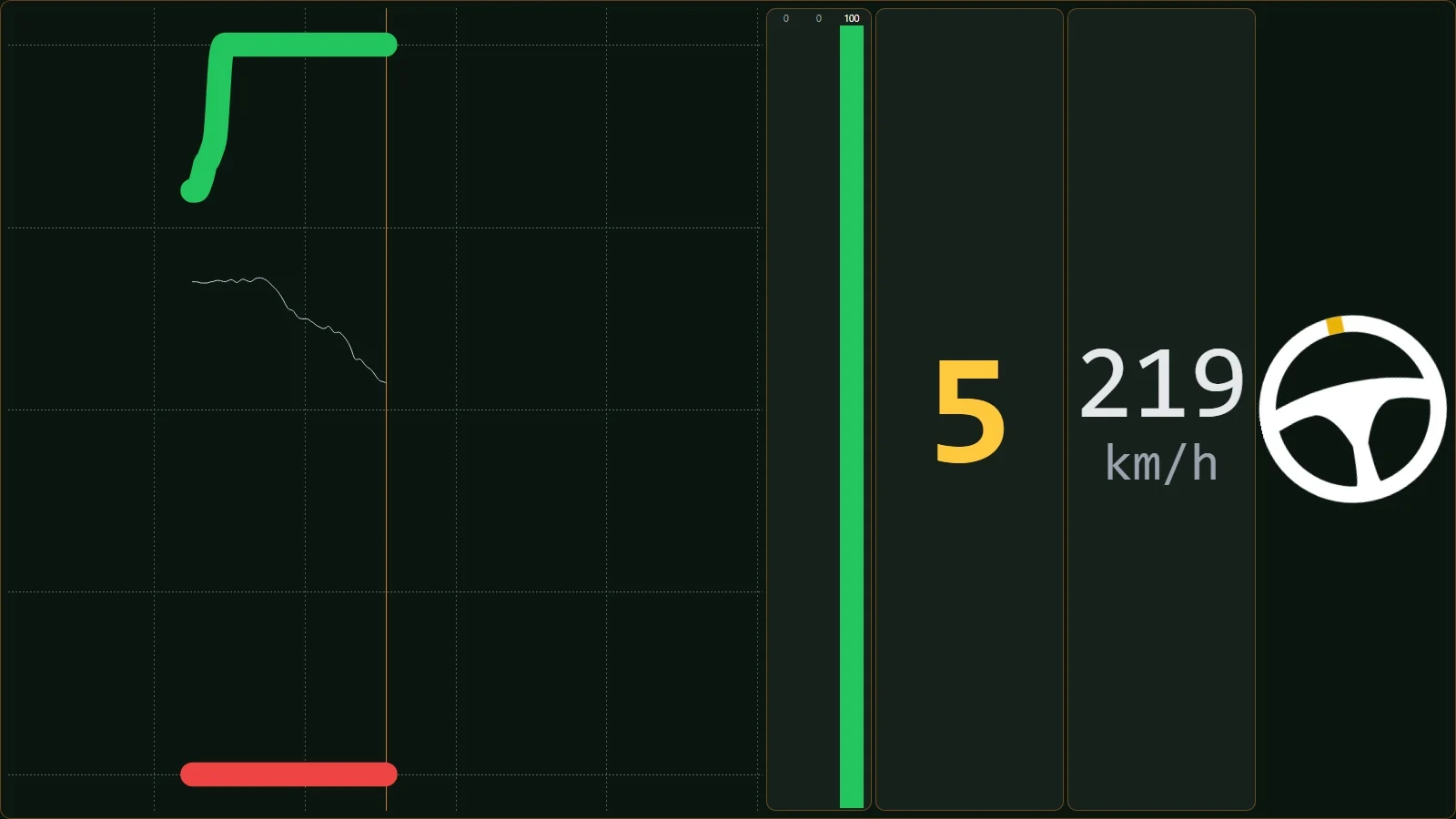
To glance at while you drive, on top of the car's DDU or right in front of you.

BLACK BOX

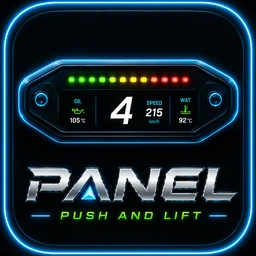
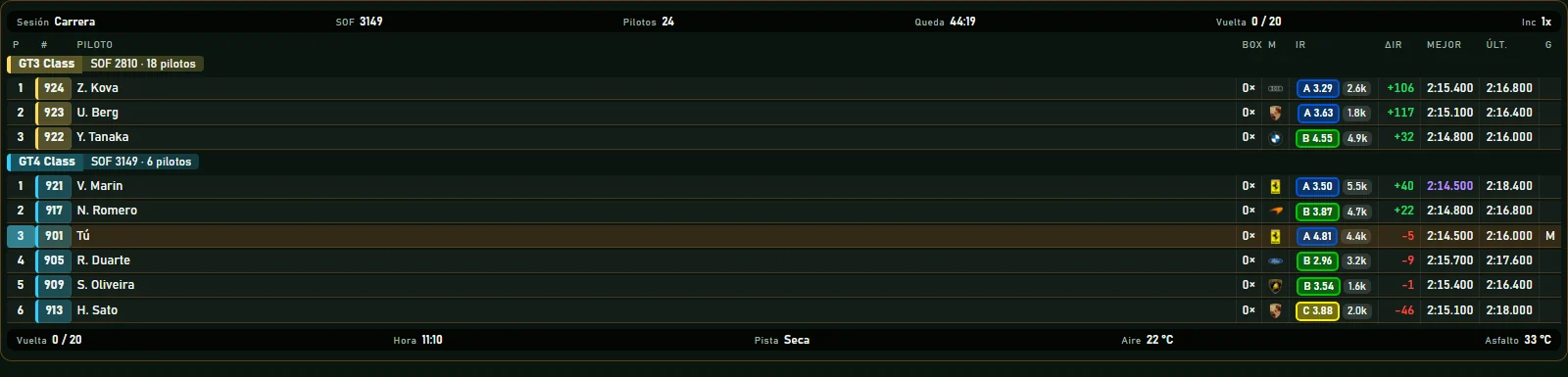
Session information, with the same casing and the same strip on all five.

OVERLAYS

Frameless and transparent, so you can put them where they get in the way least.

What they share

One engine

It reads iRacing and Le Mans Ultimate, calculates once and hands the data to every app. Only what you switch on does any work.

Your reference lap

Load the CSV of a lap, yours or another driver's, and the driving screens compare you with it.

Screen, VR and streaming

Every screen goes where you drop it and at the size you want, on one monitor or three. In VR too, and DIRECTOR takes them to your stream.

Your way

Colours, carbon textures, font size and keyboard shortcuts, in the suite's settings.

Every app and every setup, in one purchase

Personal licence for Windows, on up to two computers. Includes every setup in MECANIC SETUPS.

€49.99 €24.99 · one-time payment · until account 1,000

Buy

Questions? Ask on Discord.

The team and other drivers answer there. You can also email us at [email protected].