 PUSH & LIFT
PUSH & LIFT
PUSH & LIFT
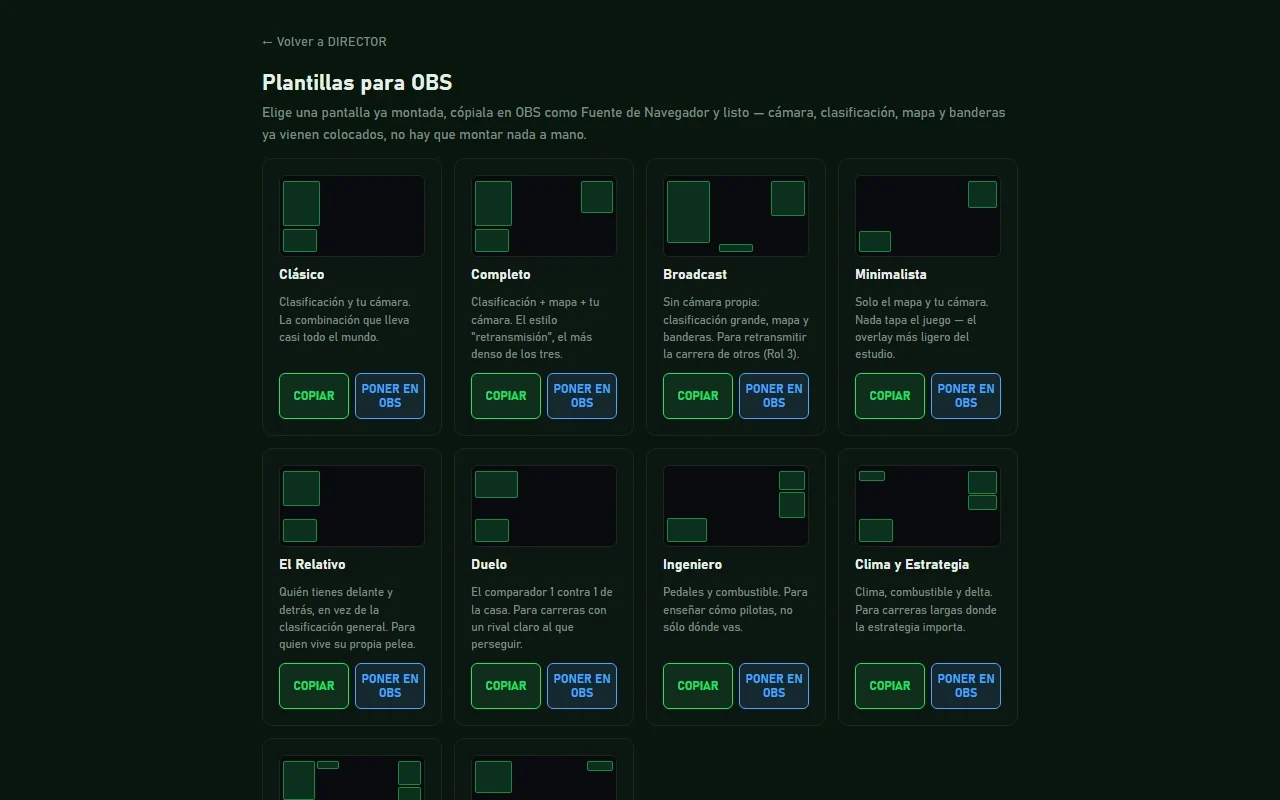
Broadcast
It cuts to the action on its own and tells you why it picked every shot.
DIRECTOR is Push & Lift's control room for broadcasting iRacing races. In automatic mode it follows the race and moves the camera to overtakes, fastest laps, pit stops and stopped cars, and drivers can appear on your stream with their own camera and mic by joining with a code. It works whether you stream your own race or broadcast someone else's.
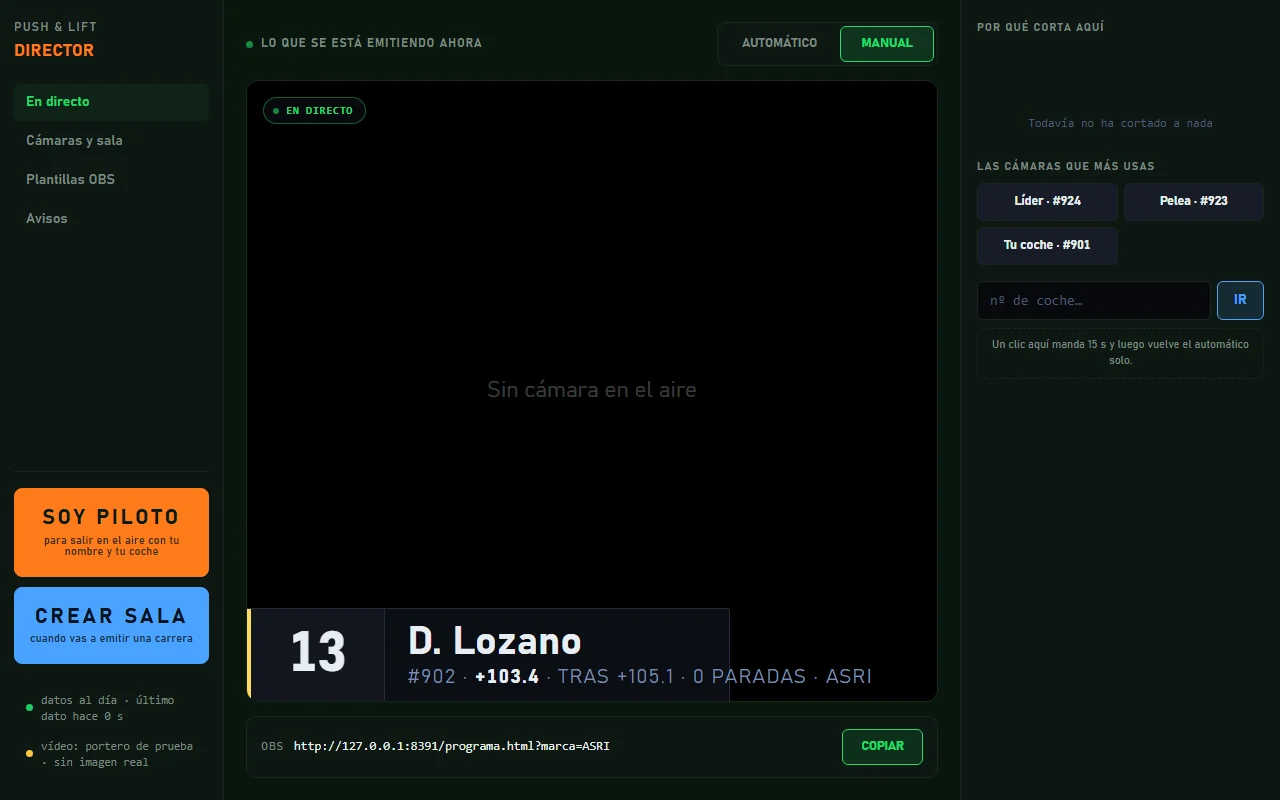
It cuts to overtakes, fastest laps, pit stops, track exits or close battles, and when you pick a camera yourself, your choice holds for 15 seconds.
Give it a name and a duration, hand out a six-letter code and every driver joins with camera and mic, under the name and car number read from the sim.
The standings by class show who has a camera, and clicking a driver switches the iRacing camera and their face on air at the same time.
Ten ready-made screens with standings, relative, map, flags, pedals or fuel, or your own built piece by piece, and one button puts it in OBS.
A strip for your stream with overtakes, fastest laps, pit entries and stopped cars, like the captions on TV.
Race name, duration and one button: you get a six-letter code for the drivers.
They type the code in their Push & Lift and go on air with camera and mic.
Pick a layout and DIRECTOR sets it up in your scene.
In automatic mode it cuts on its own and explains every shot; you can take over whenever you like.
The team and other drivers answer there. You can also email us at [email protected].
 PLIA
PLIA LIVERY STUDIO
 GARAJE
 MECANIC
 TOOLKIT