ADVANCE DDU · THE BLANK CANVAS
THE PROBLEM
I want MY dash, not the one I'm given.
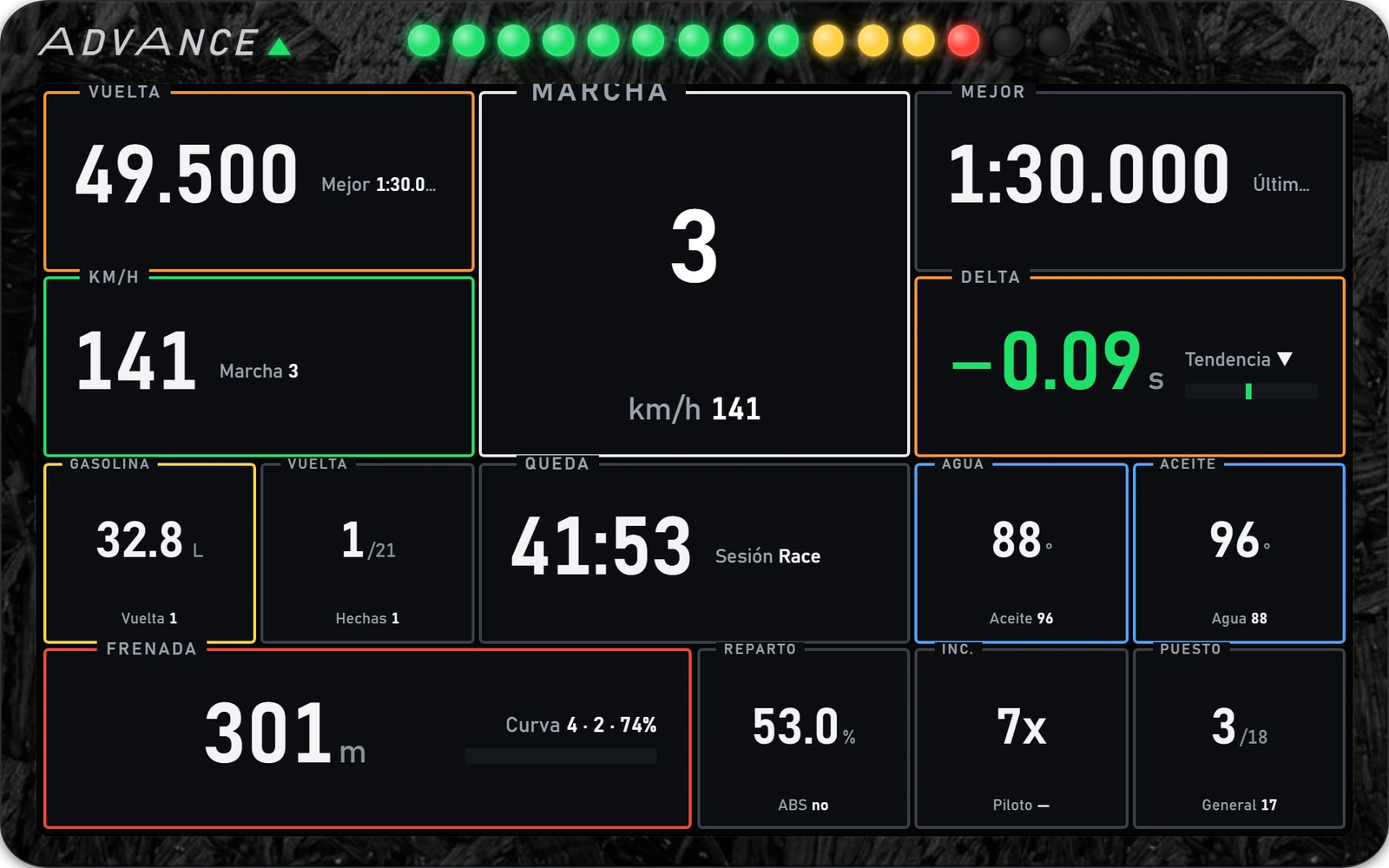
Split the screen into up to 50 cells by dragging lines with your mouse — no menus — and wire any of 100 functions straight into iRacing's live data feed: real data or predictions, coloured and sized your way.
One .exe, no installer · for iRacing on Windows
WHY ADVANCE DDU EXISTS
Everything RACE and COACH solve, plus:
Fixed dashboards are great until the one function you actually want isn't on them — or is exactly where you don't want it.
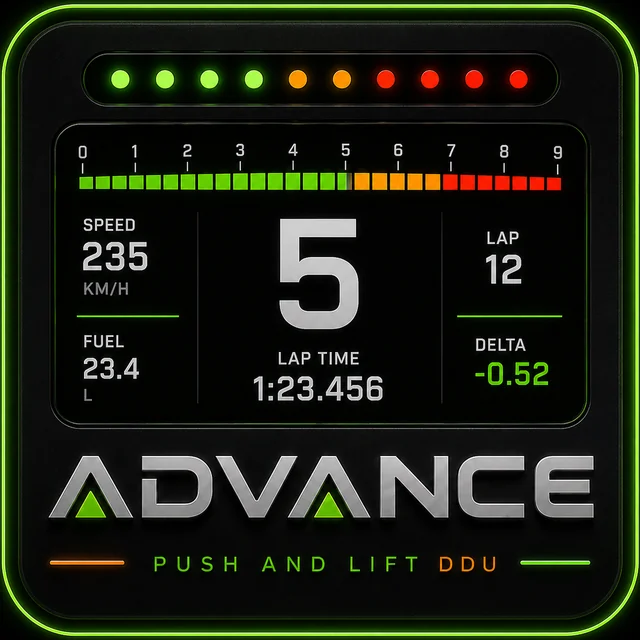
Split the canvas into 1 to 50 cells by dragging the blue lines, click a cell to pick its function from a 9-category catalogue, and set its colours from the same menu. No config files, no code.
Practice, qualy, a 6-hour endurance stint and a coaching review all want different information on screen — rebuilding each one from scratch gets old fast.
7 built-in MODE presets — FREE, PRACTICE, QUALY, RACE, ENDURANCE, COACH, DATA — give you a populated grid to start from, and you can save your own custom layouts too.
Off-the-shelf overlays all look the same on stream, and swapping branding usually means digging through settings menus.
The animated Push & Lift logo reacts to your inputs live — right-click any cell to swap it for your own PNG or GIF, and right-click the frame to recolour the bezel. Your brand, your sponsor, one click away.
The last thing you want going into a braking zone is a Windows error popup stealing your focus.
The drawing loop is shielded end to end: a bad telemetry frame never freezes the
DDU, nothing pops up mid-lap — issues are logged quietly to
RaceCanvas_error.log instead.
One overlay is never enough on a triple-monitor rig or in the headset: you want speed here, the relative there, fuel somewhere else — and the window manager fights you.
Open up to 4 fully independent windows — each with its own layout, colours and mode — plus mini-screens docked to all four sides of each. Every window is its own pinnable Windows taskbar icon, so in VR you pin each panel exactly where you want it.
100 FUNCTIONS, 9 CATEGORIES
Real data — speed, gear, RPM, pedals, wheel, driver inputs, lat/long G, temperatures, flags, class STANDINGS, ENDURANCE (the position fight without lapped traffic), RELATIVE, free-text NOTES, and the animated logo or your own image.
Predictions — Brake Alert and Brake Alert 2, RALLY co-driver arrows, fuel laps remaining, gaps, estimated iR/SR gain, SoF. Every function has its own settings: graph seconds, warning lead time, units, colour bands.
Every function lives in one of 9 tabbed categories with a search box — type “fuel”, “rain” or “licence” and it filters by name and description across all of them at once.
OPEN BETA
The blank canvas — design your own overlay layout.
Want the full suite? See FULL SUIT — RACE, COACH, ADVANCE plus GARAJE and DOCTOR, one licence.
OPEN BETA · BUILDING TOGETHER
ADVANCE is a living project, shaped together with the pilots flying it. We're in open beta — free for everyone, still evolving, nothing for sale yet. Something not working right, or missing a function you'd love to have? Come tell us on Discord and help steer where it goes next. Requests go on the list with everything else.
Discord