 PUSH & LIFT
PUSH & LIFT
PUSH & LIFT
OVERLAYS
The flag that affects you right now, drawn in LEDs like a trackside panel.
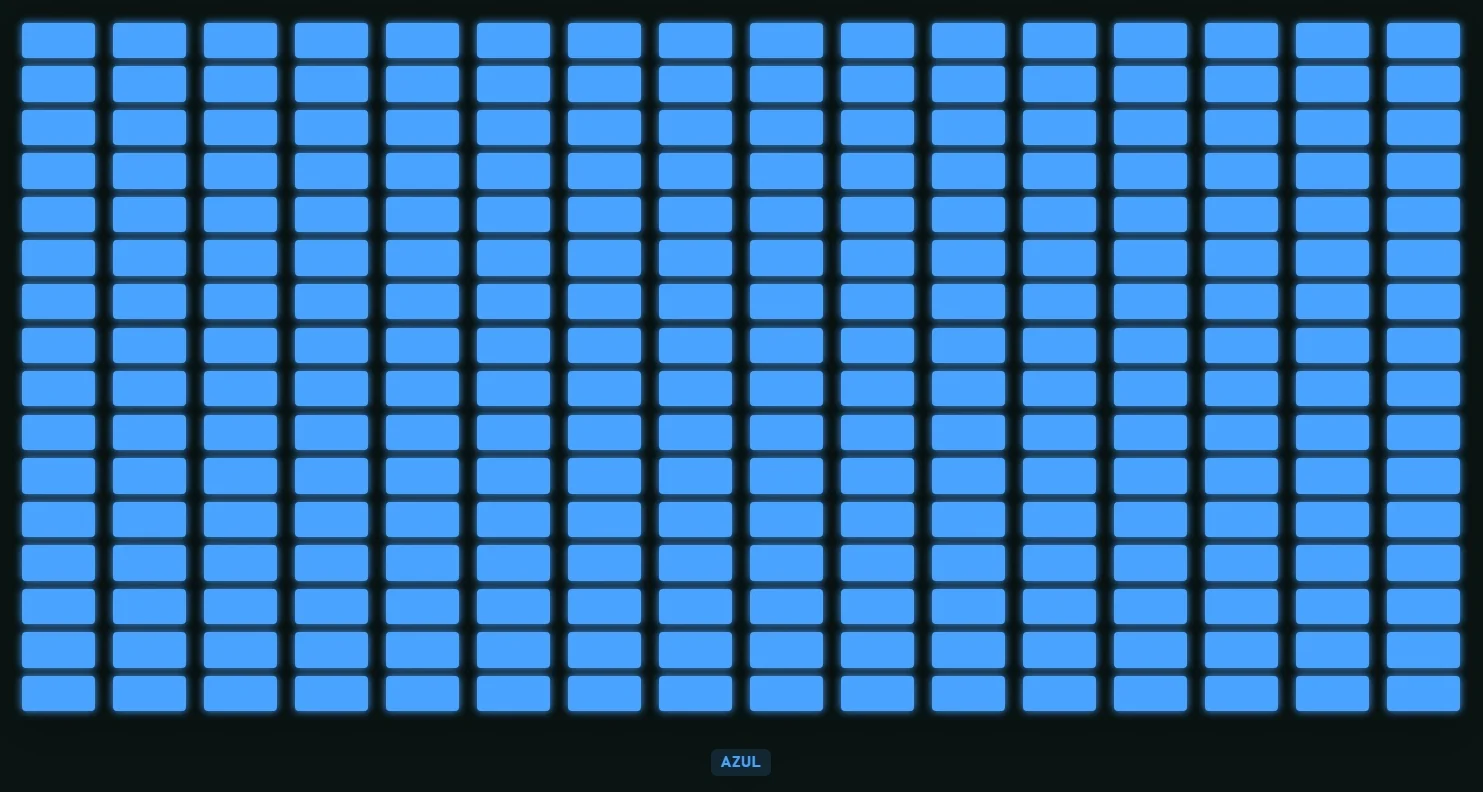
FLAGS shows the flag that applies to you at any moment on an LED matrix, with its colour and name. If several are out at once, you get the one with priority. Put it wherever you like, at whatever size you like.
Several overlays work with your reference-lap CSV.
Like everything in the suite, the AI can read and use them.
If you race with PLIA as your spotter, it understands what your overlays show and tells you.
16x16, 8x8 or a single colour, with a glow around it if you want.
Each flag with its colour and its name underneath: waved yellow, blue, 5 laps to go, chequered…
Tells the repair you have to make in the pits apart from the one that can wait until your next stop.
Only the urgent ones blink, the red and orange flags; you choose the rate, or turn it off.
No flag, not a single pixel on screen.
The team and other drivers answer there. You can also email us at [email protected].
 DELTA
DELTA DUELO
DUELO RADAR
RADAR MAP
MAP INPUTS CSV