 PUSH & LIFT
PUSH & LIFT
PUSH & LIFT
OVERLAYS
Your pedals live and, underneath, what the reference lap did at that same spot.
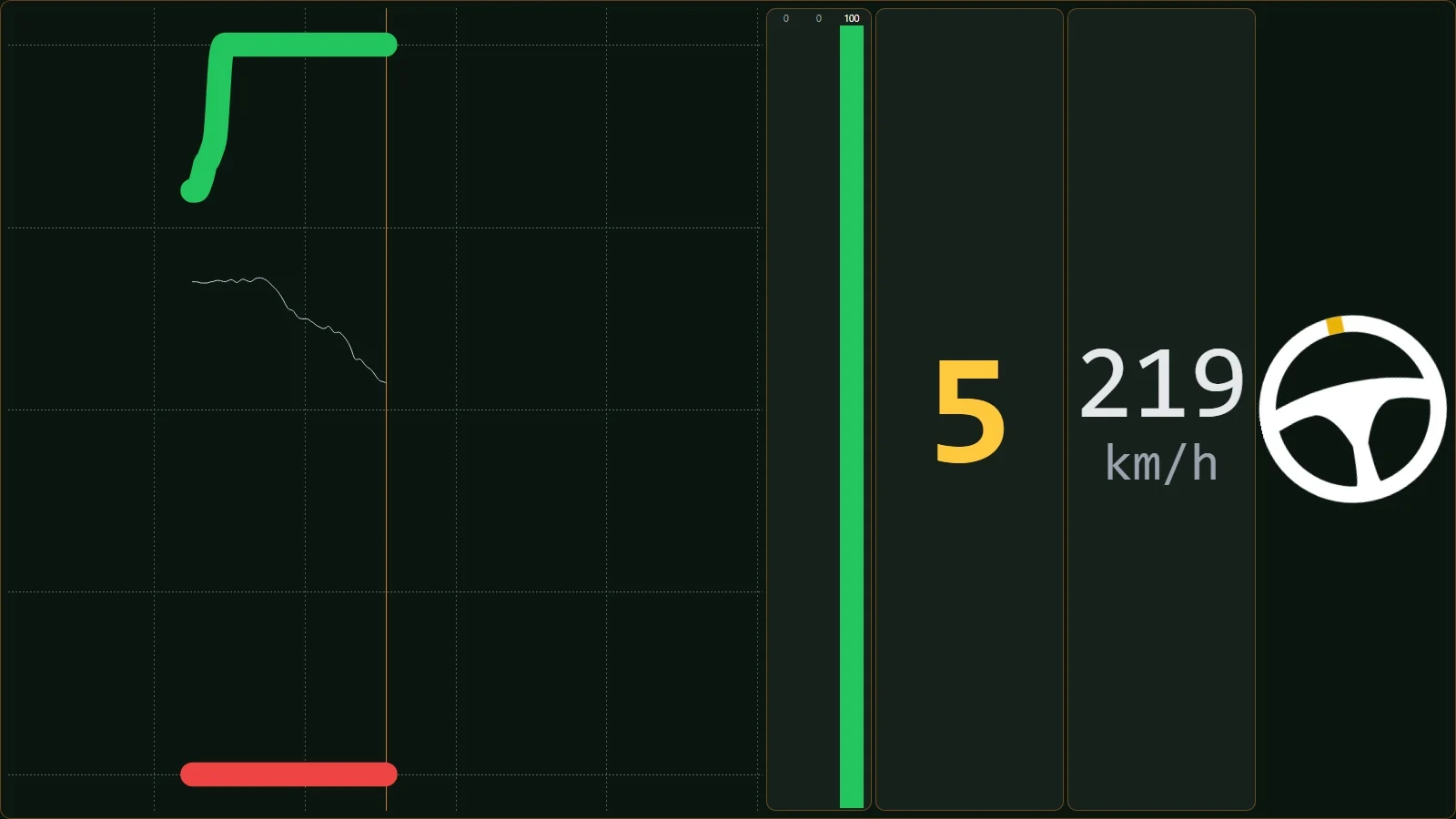
INPUTS CSV draws your throttle, brake and clutch live, with bars, gear, speed and the steering wheel. Load a reference lap CSV and the same graph appears underneath, showing what that lap did at the same point on track and what it does over the next few metres. You see where it braked, how hard, and when it got back on the throttle before you reach that corner.
Several overlays work with your reference-lap CSV.
Like everything in the suite, the AI can read and use them.
If you race with PLIA as your spotter, it understands what your overlays show and tells you.
Throttle, brake, clutch, ABS and steering angle on a graph that moves with the track; you choose how many seconds it covers.
With the CSV loaded, a second graph with the reference lap at the same metre of track and what comes next.
The two laps in two graphs or on top of each other in one, and you pick which goes on top.
With the reference on, your speed turns green if you're faster than it at that point and red if you're slower.
The wheel turns with you and warns you past 270 degrees; ABS is marked on the trace and the bars when it kicks in.
The team and other drivers answer there. You can also email us at [email protected].
 DELTA
DELTA DUELO
DUELO RADAR
RADAR FLAGS
FLAGS MAP
MAP